
Jamstack + Cloudflare Pages = ❤️
Build, host & collaborate Jamstack sites with Cloudflare Pages

Principal Technical Consultant at GeekyAnts.
Bootstrapping our own Data Centre services.
I lead the development and management of innovative software products and frameworks at GeekyAnts, leveraging a wide range of technologies including OpenStack, Postgres, MySQL, GraphQL, Docker, Redis, API Gateway, Dapr, NodeJS, NextJS, and Laravel (PHP).
With over 9 years of hands-on experience, I specialize in agile software development, CI/CD implementation, security, scaling, design, architecture, and cloud infrastructure. My expertise extends to Metal as a Service (MaaS), Unattended OS Installation, OpenStack Cloud, Data Centre Automation & Management, and proficiency in utilizing tools like OpenNebula, Firecracker, FirecrackerContainerD, Qemu, and OpenVSwitch.
I guide and mentor a team of engineers, ensuring we meet our goals while fostering strong relationships with internal and external stakeholders. I contribute to various open-source projects on GitHub and share industry and technology insights on my blog at blog.faizahmed.in.
I hold an Engineer's Degree in Computer Science and Engineering from Raj Kumar Goel Engineering College and have multiple relevant certifications showcased on my LinkedIn skill badges.
In December 2020, Cloudflare announced the beta version & in April 2021, Cloudflare Pages was generally available. Cloudflare Pages a fast, secure, and free way for frontend developers to build, host, and collaborate on Jamstack sites.
What is Cloudflare Pages?
Cloudflare Pages radically simplifies the process of developing and deploying sites by taking care of all the tedious parts of web development. Now, developers can focus on the fun and creative parts instead.
Why Cloudflare Pages?
- Built-in web analytics & for free
- _redirects file support
- Protected previews with Cloudflare Access integration
- Live previews with Cloudflare Tunnel
- Assets optimisation
- Image compression
- Brotli
- Device-based resizing
- GitHub support
How?
- Goto Cloudflare Pages
- Sign-up or Sign-in
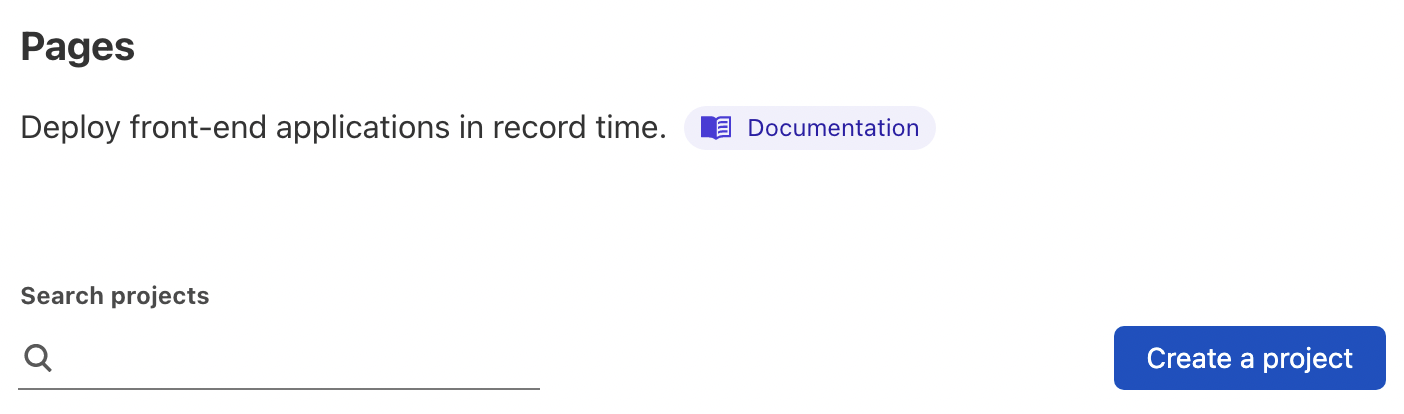
- Find & click the "Create a Project" button
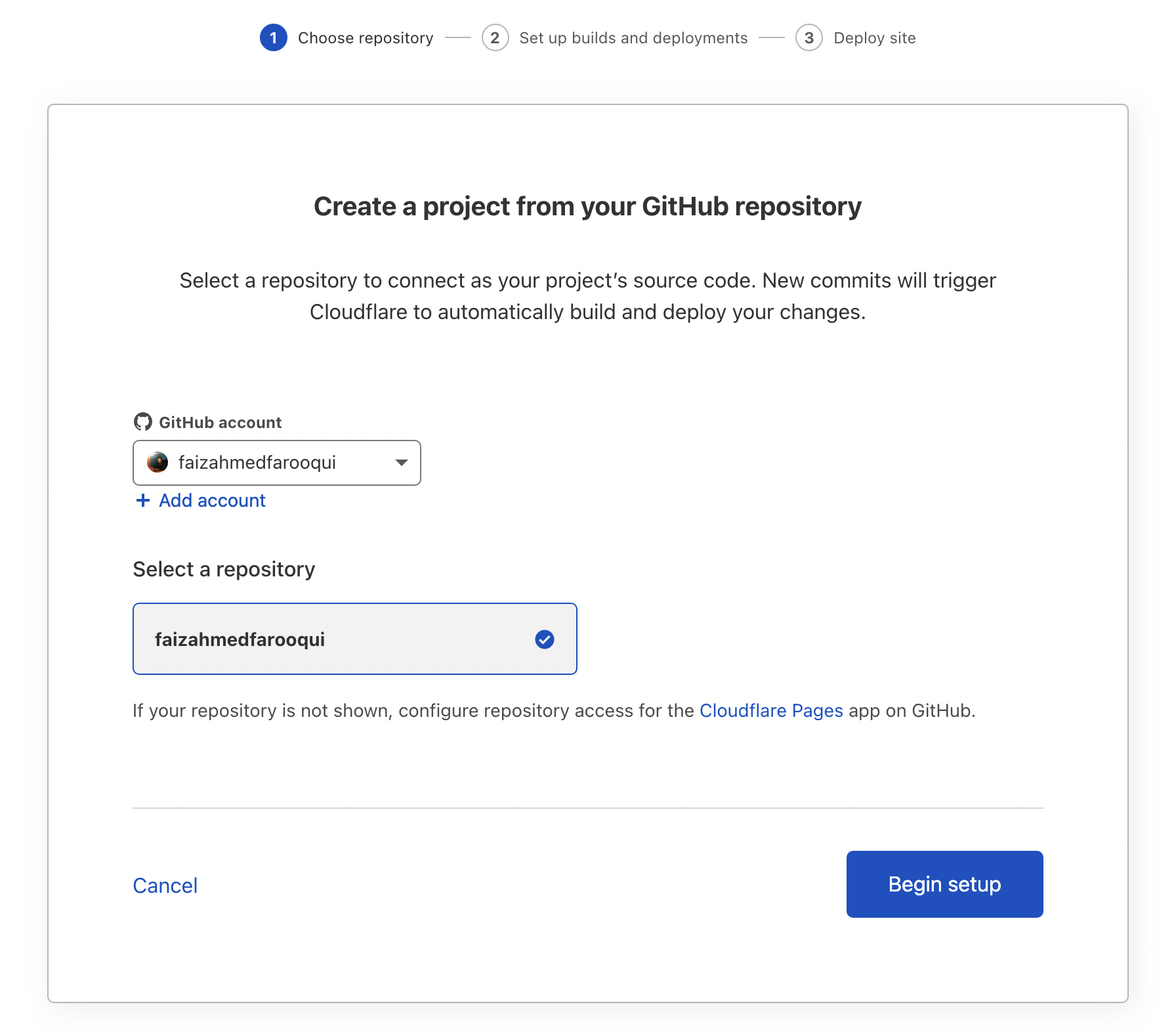
- Install + Authorize GitHub & Choose your repository
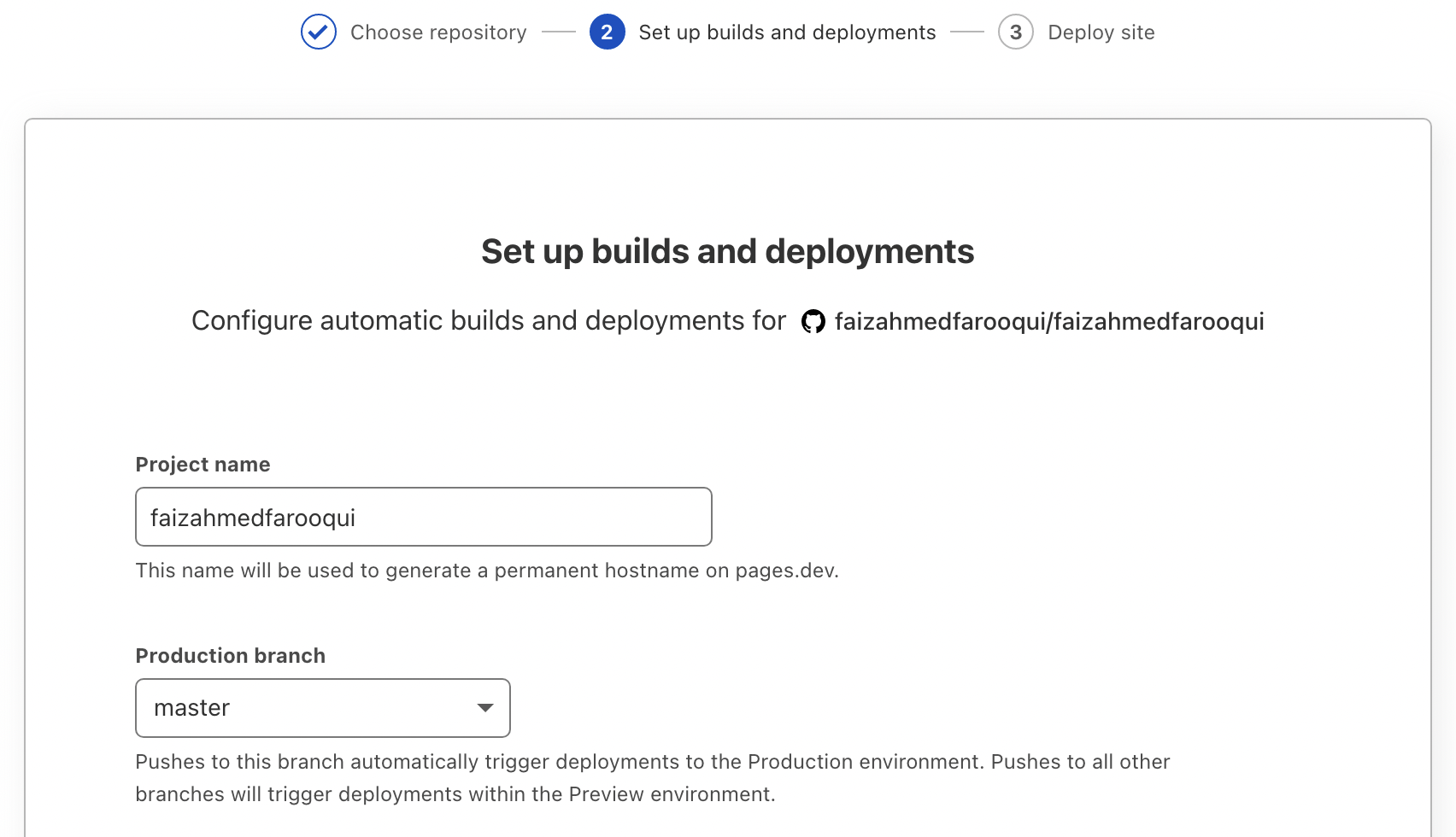
- Select the production branch
- Select the Jamstack framework & other settings
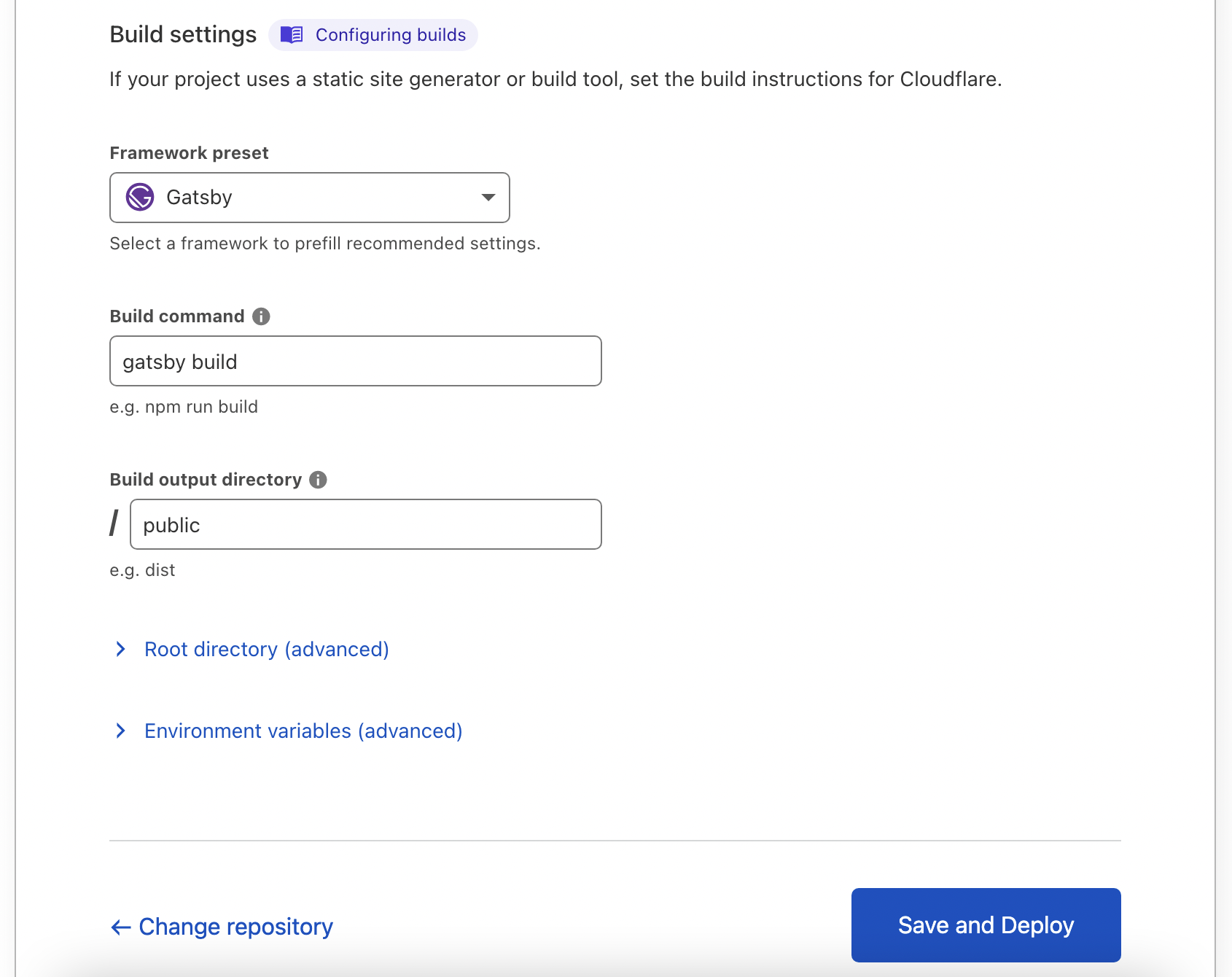
- Hit "Save & Deploy"
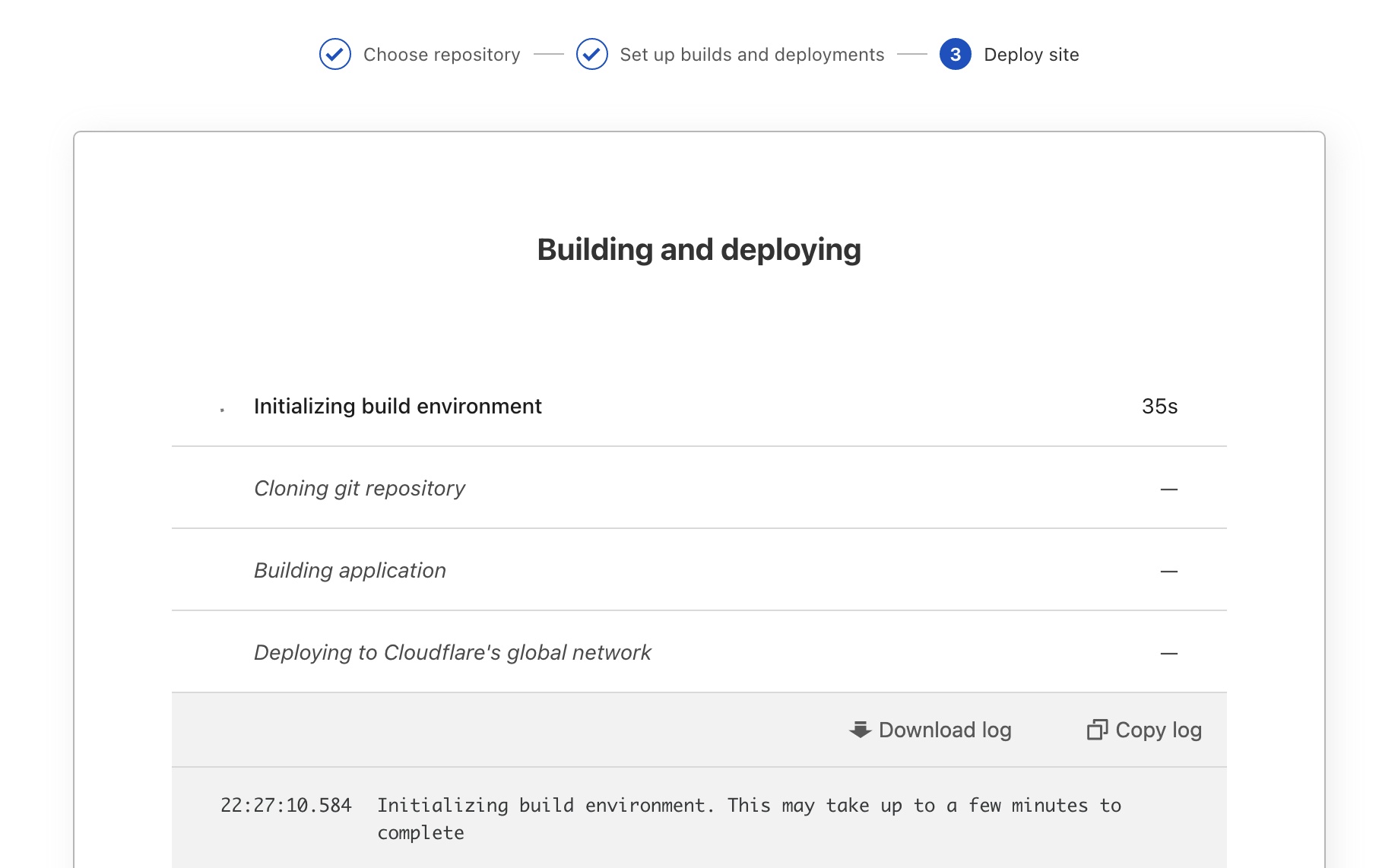
- Project will be deployed in few minutes
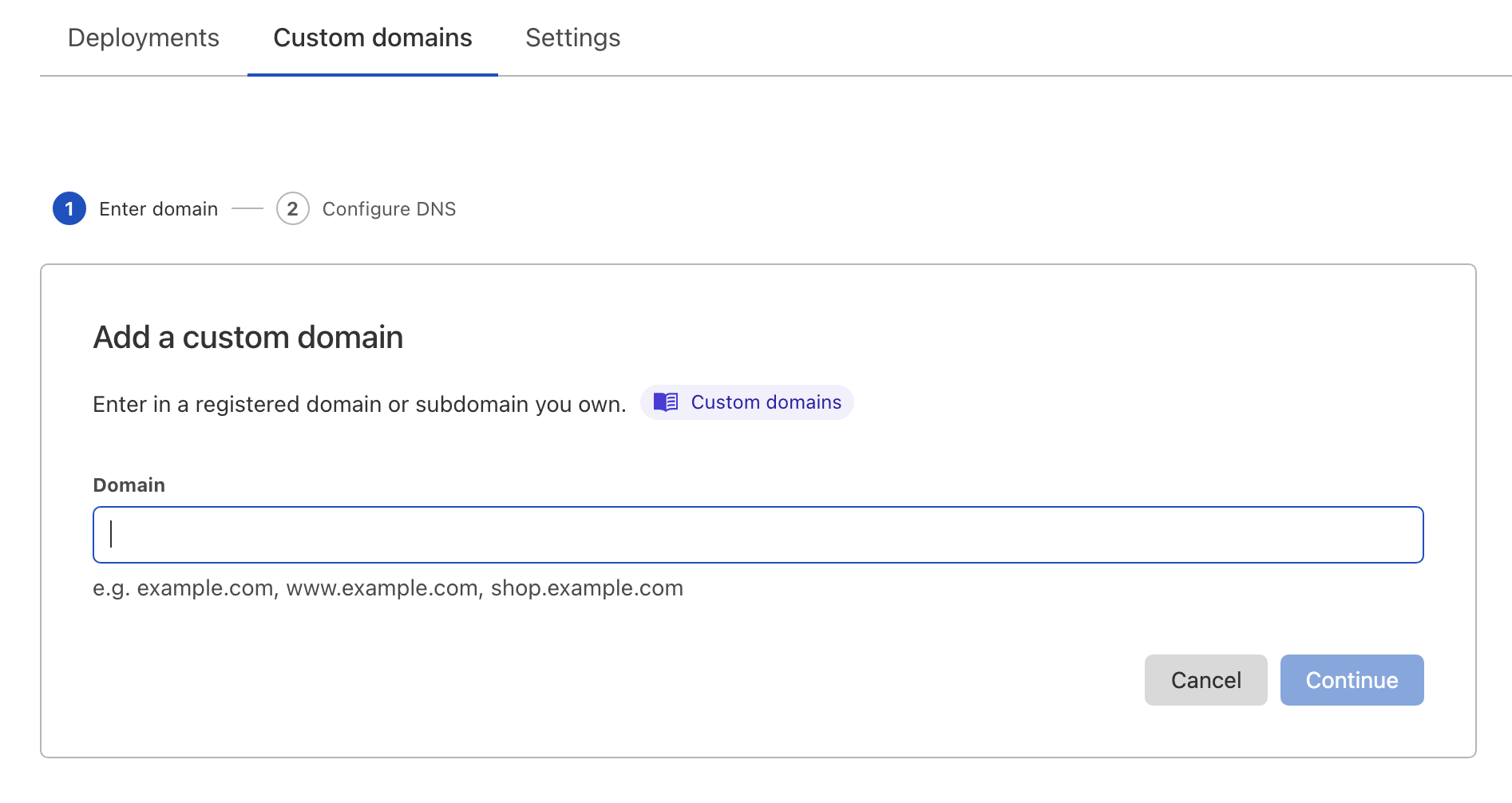
- We can also add our custom domains from the "Custom domains" tab
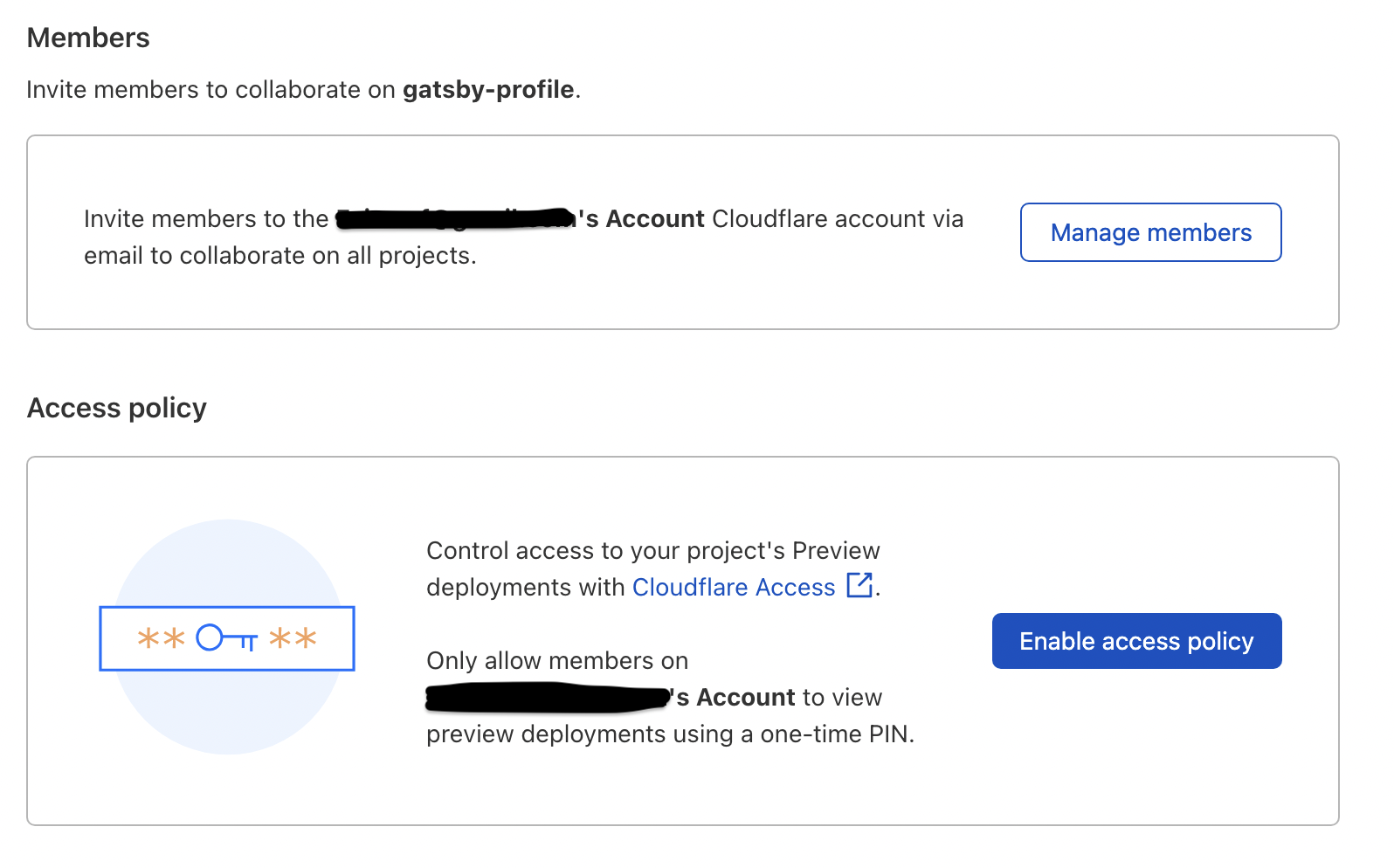
- We can invite others to collaborate or we can define the access policy to preview from the "Settings" tab
That's All. Thank You!
About Me 👨💻
I'm Faiz A. Farooqui. Software Engineer from Bengaluru, India. Find out more about me @ faizahmed.in